DreamCare
For every question, a Dreamcore answer.

Get after-sales support through DreamCare and SPACEBAR for troubleshooting, servicing, warranty guidance, upgrades, and everything you need after your Dreamcore PC arrives. It’s simple exactly how support should be.
Contact Customer ServiceA few steps to prep.
Have your order details.
Keep your invoice, order number, or registered contact details ready so our team can identify your system faster.
Bring the essentials.
For servicing, bring your PC and any relevant accessories such as power cables, display cables, or peripherals.
Back up your data.
Before any service or diagnostic check, back up important files to protect your data and personal information.
Describe the issue.
Share what happened, when it started, and any error messages you see so our customer service team can guide you better.
Support starts at DreamCentre.
Explore the space where customers meet our team, experience Dreamcore systems, and get support through SPACEBAR.
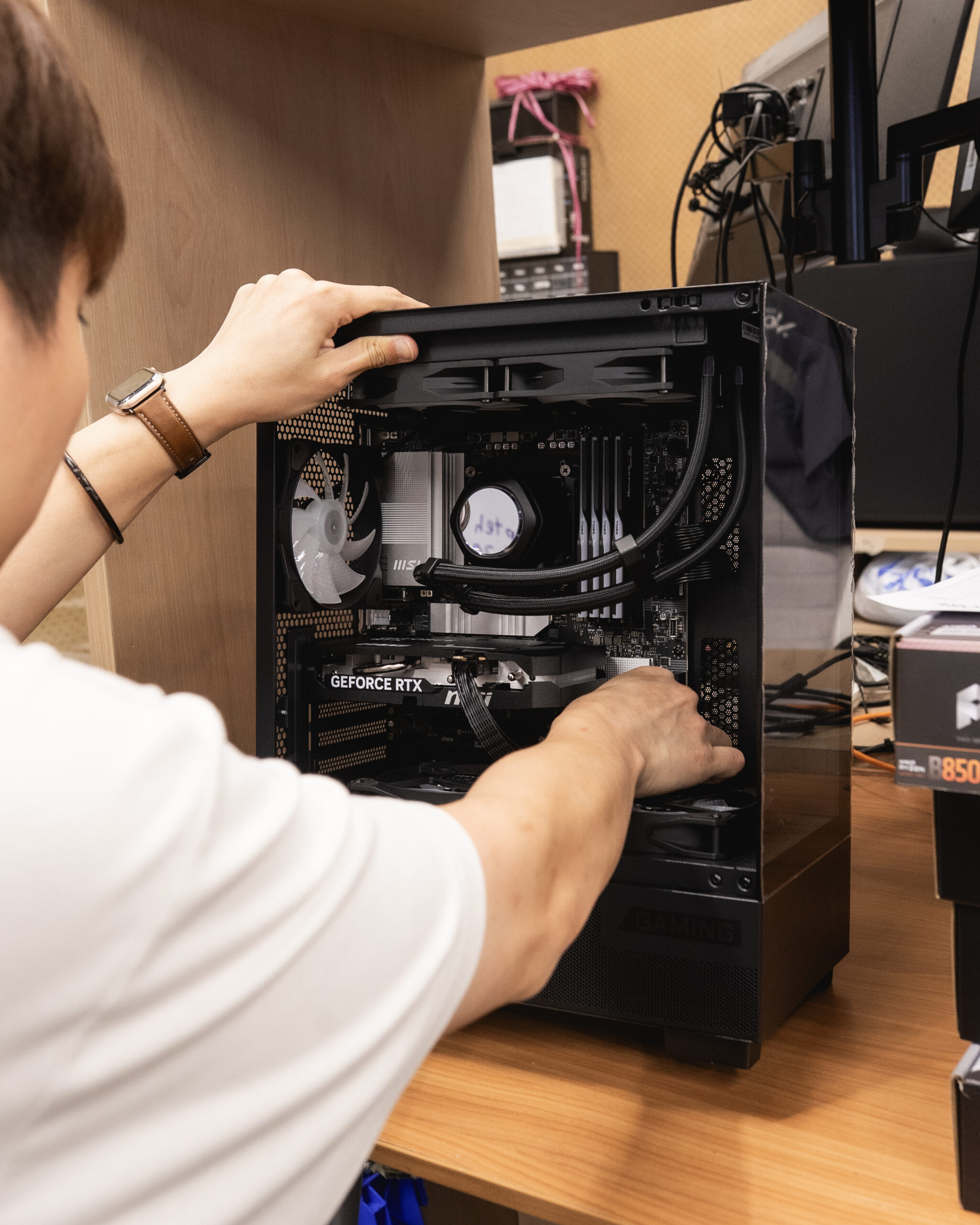
SPACEBAR support experience.
Speak with our team for after-sales enquiries, service guidance, and product support.
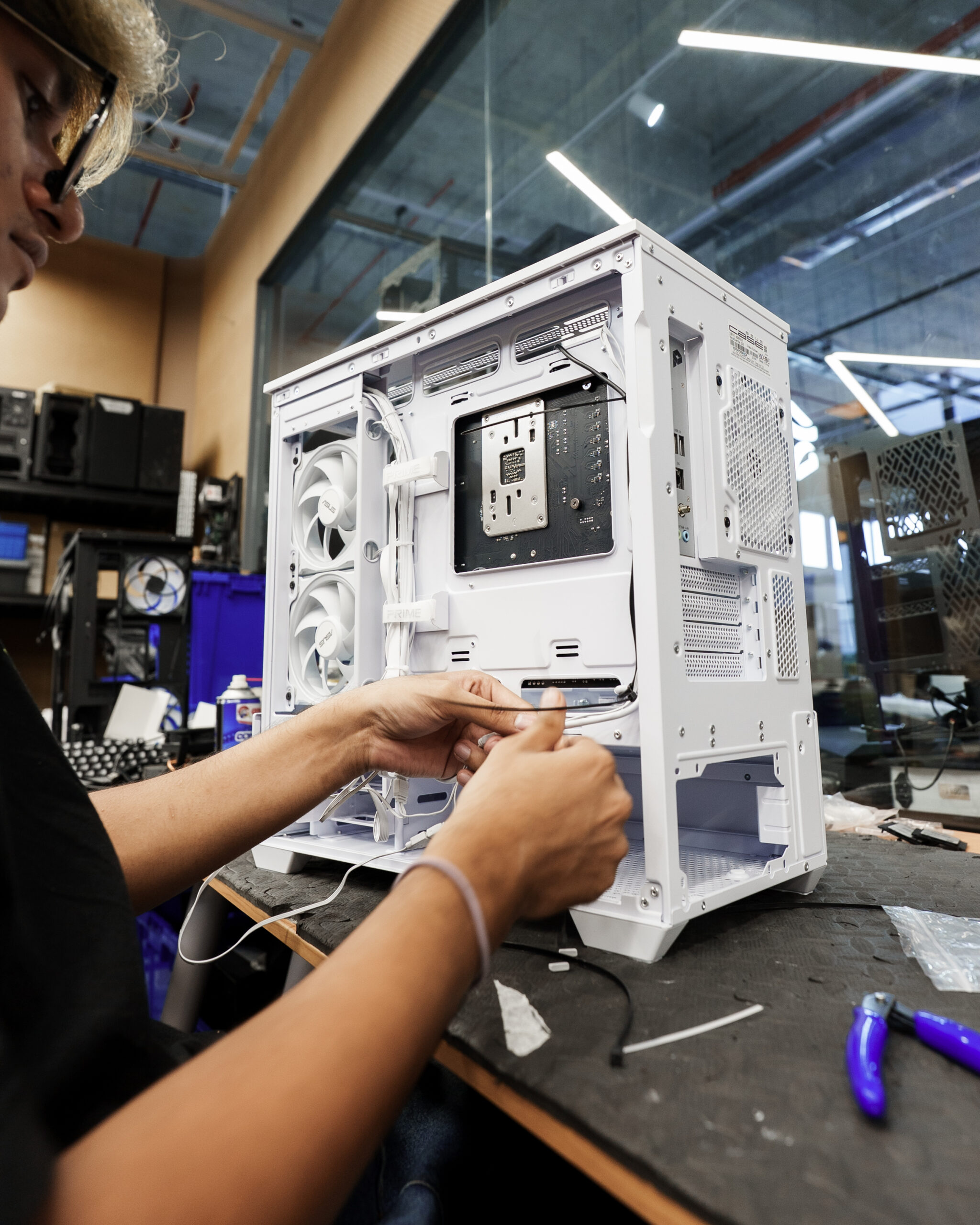
Personal guidance.
Get clear answers for your system, warranty, and upgrade needs.

Built for discovery.
Experience Dreamcore systems and explore what fits your next setup.
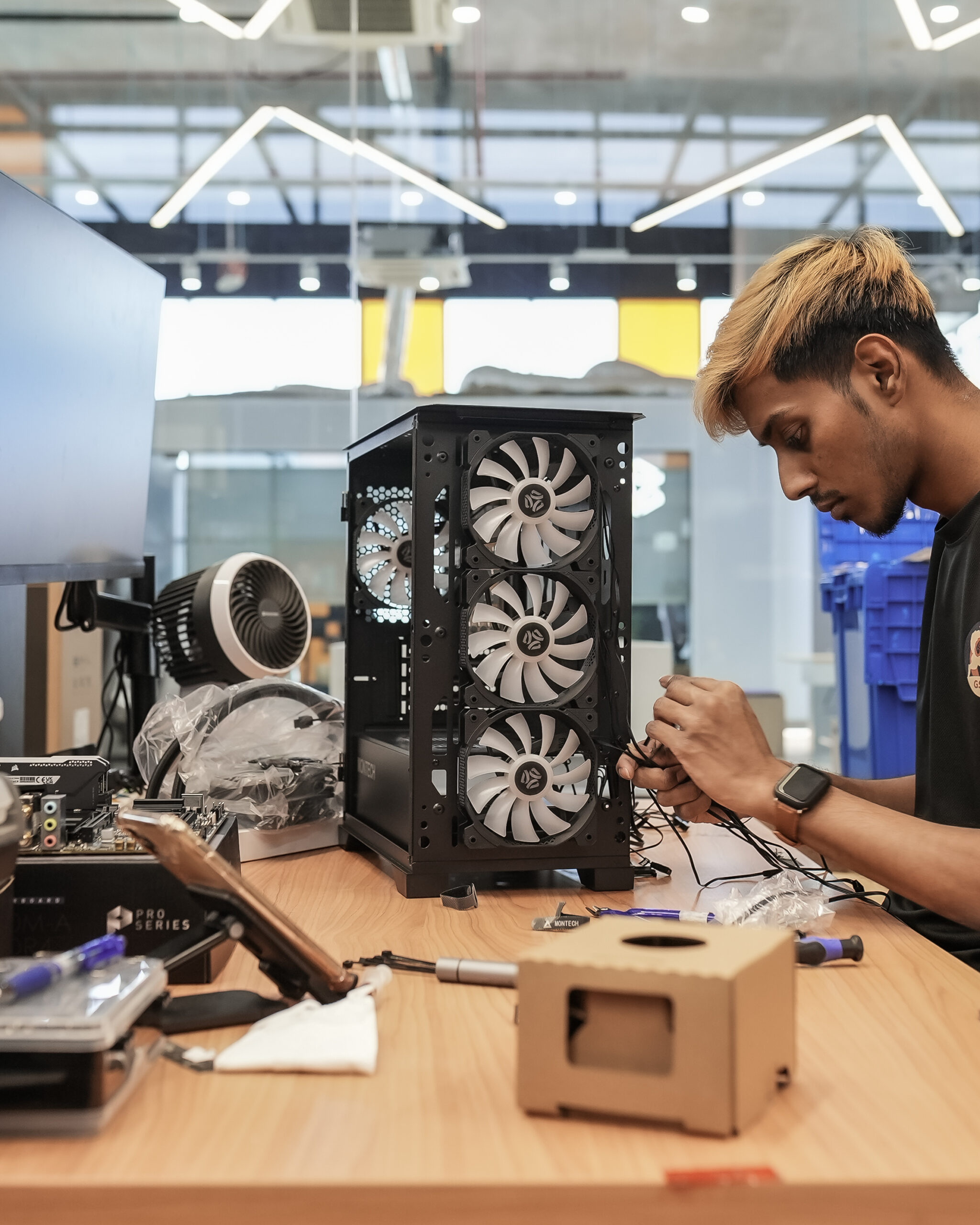
Explore upgrades.
Find the right components and accessories for your build.
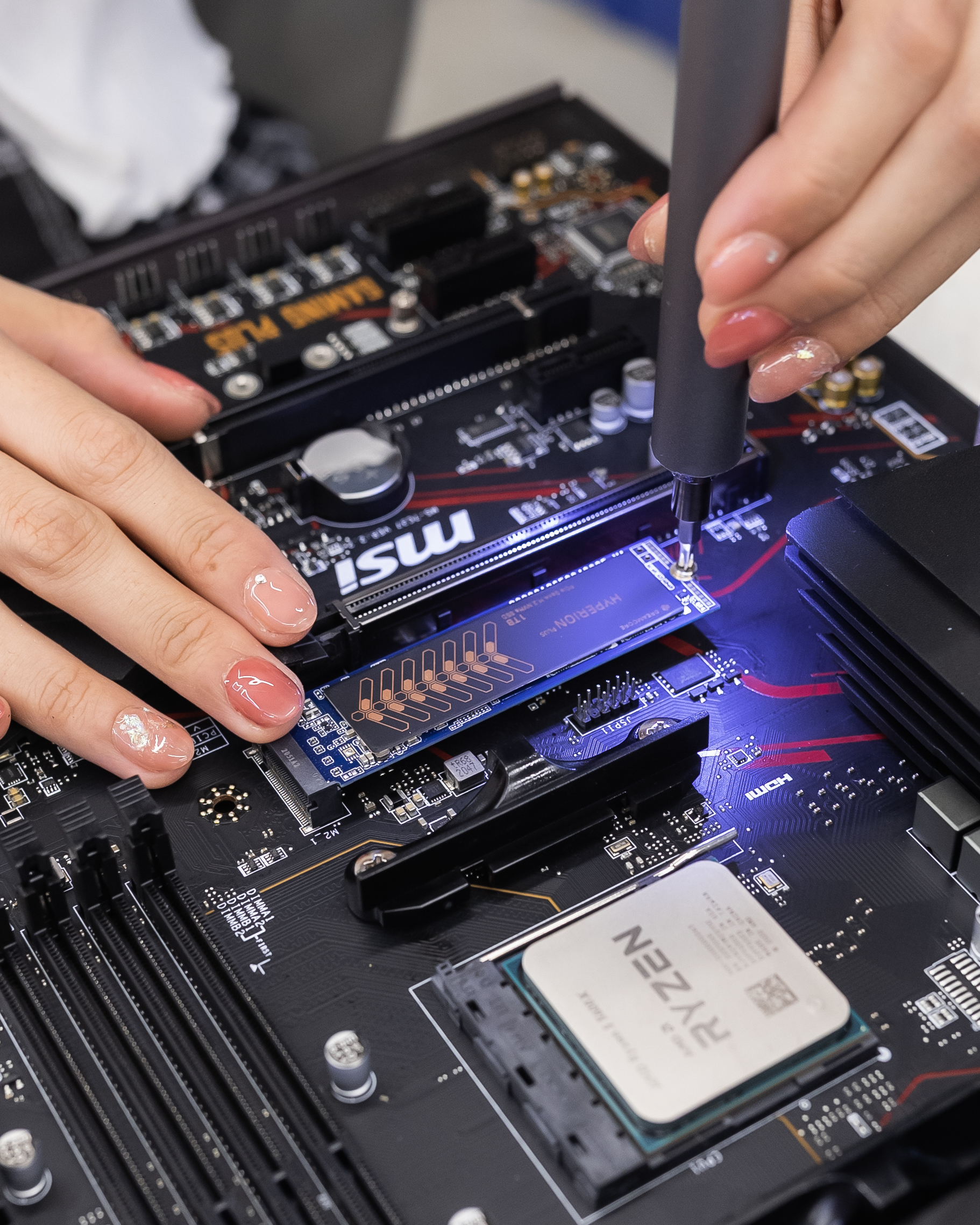
Customer-first care.
Support that continues after your PC leaves our hands.
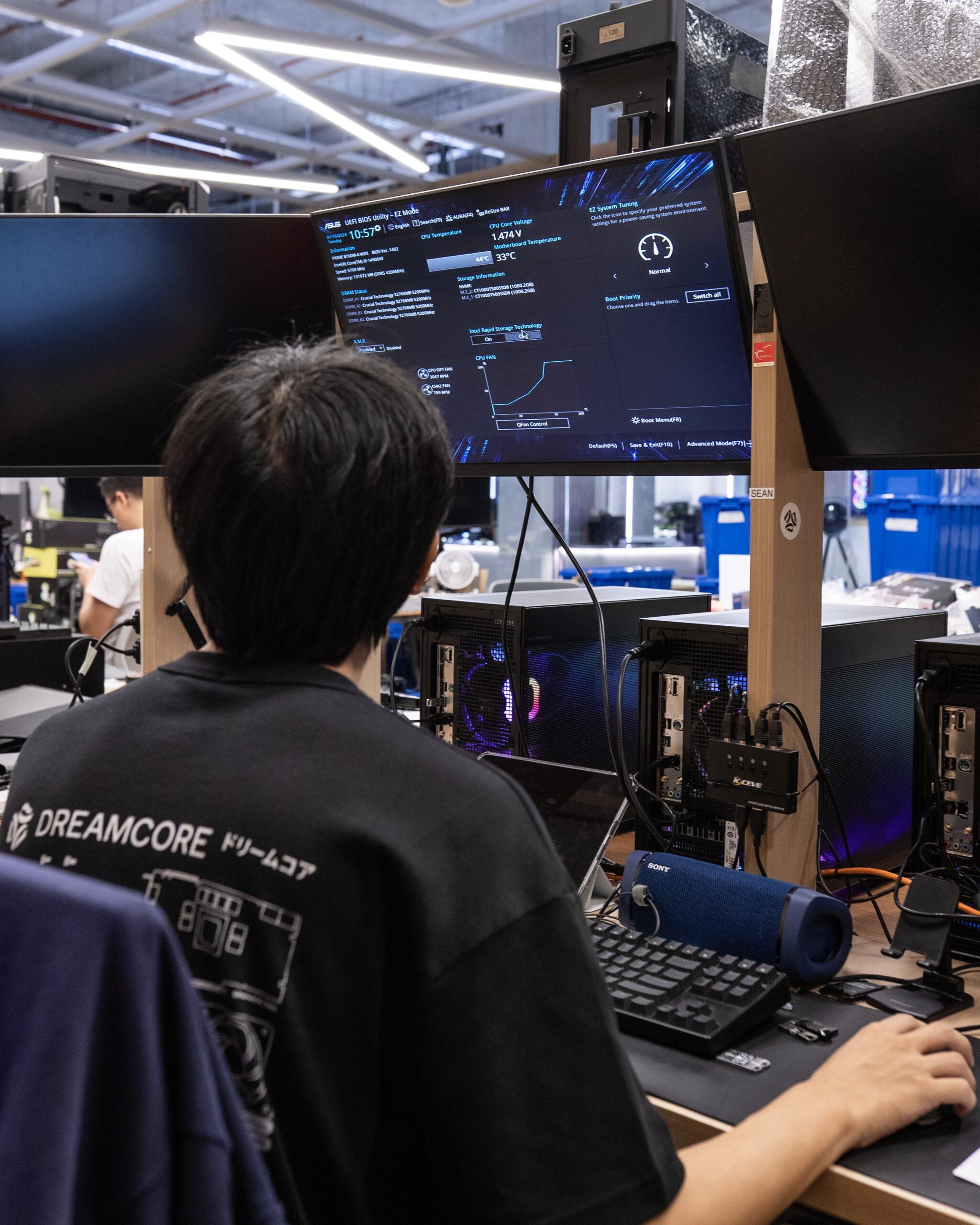
Quality checked.
Backed by real technicians who understand your system.
So many ways we support you.
Your dedicated Dreamcore support hub.
Get help with after-sales enquiries, troubleshooting, servicing, warranty support, and upgrade advice.
Start a conversation ›
Real support from people who know your PC.
From quality checks to servicing and diagnostics, our team is here to help keep your build performing at its best.
Contact customer service ›
Trusted by Dreamcore customers.
Our 5-star Google reviews reflect the experience we aim to deliver: quality builds, reliable service, and customer care that continues after your PC leaves our hands.
More questions? More answers.
Do I need to contact DreamCare before visiting?
We recommend contacting our customer service team first so we can understand your issue and advise the best next step. This helps us prepare for troubleshooting, servicing, warranty checks, or upgrade recommendations.
You can reach us directly through WhatsApp using the Contact Customer Service button on this page.
What is the service process?
Our team will first review your enquiry and guide you through basic checks where applicable. If further inspection is needed, we may advise you to bring in your system for diagnostics or servicing.
If parts, repairs, or replacements are required, our team will advise you based on your system condition and warranty status.
What should I prepare before sending my PC for servicing?
Please prepare your order details, back up important files, and bring any relevant accessories that may be related to the issue, such as power cables, display cables, or peripherals.
Can DreamCare help with upgrades?
Yes. Our team can advise on suitable upgrades for your Dreamcore PC, including graphics cards, memory, storage, cooling, and other compatible components.
Is my Dreamcore PC covered under warranty?
Warranty coverage depends on your system, purchase date, and the issue reported. Contact our customer service team with your order details so we can help check and advise the next steps.
Need help after your purchase?
DreamCare and SPACEBAR are here for your after-sales needs, from system questions and technical support to warranty guidance, servicing, and future upgrade advice.
Contact Customer Service